Step 1: calibrate the monitor
A colorimeter measures your screen and writes a profile so Photoshop, Lightroom and the OS show colors accurately. This does more for print accuracy than a printer upgrade.
Pairs well with: Monitor calibrators
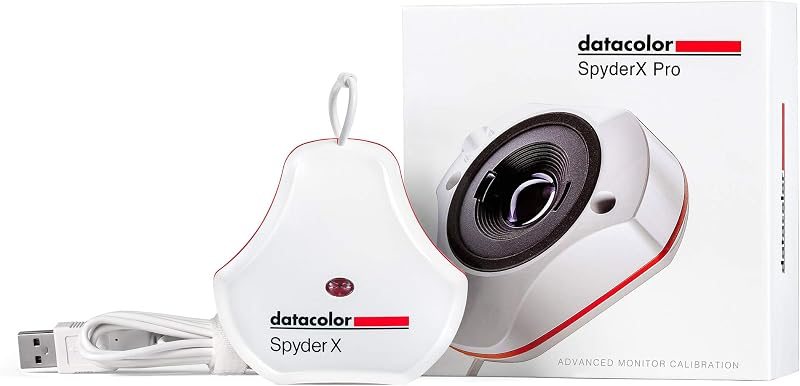
Datacolor SpyderX Pro monitor calibrator
4.4 (5,020)View on Amazon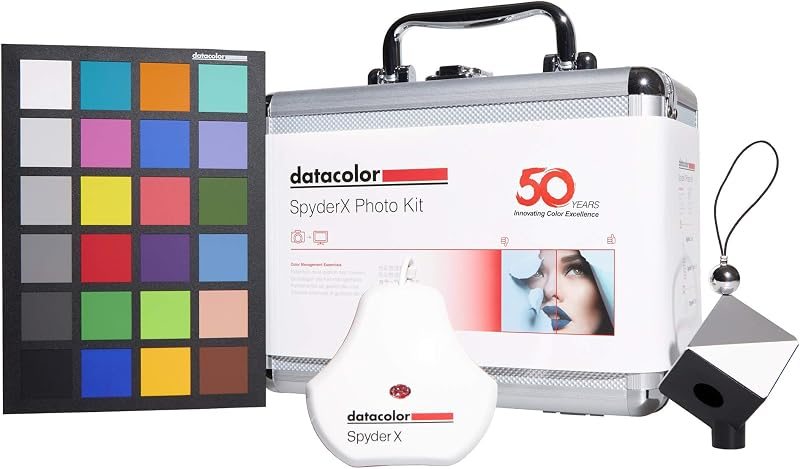
Datacolor SpyderX Photo Kit
4.4 (180)View on Amazon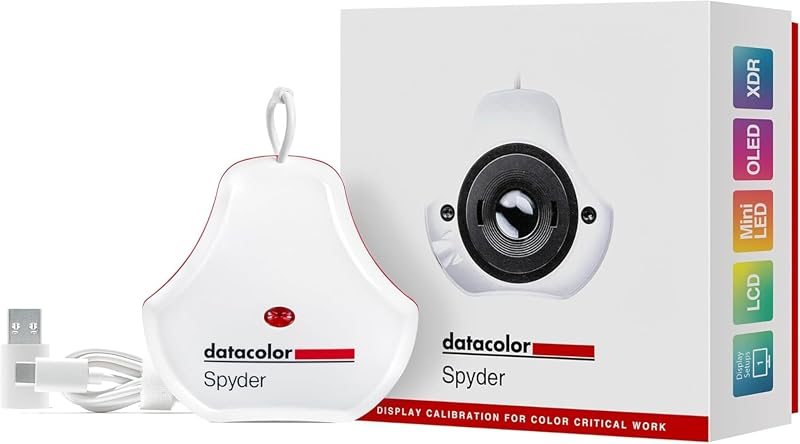
Datacolor Spyder monitor calibrator
4.3 (353)View on Amazon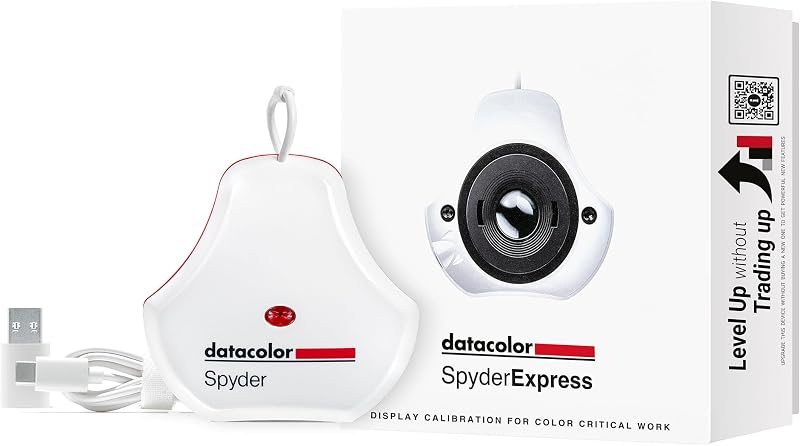
Datacolor SpyderExpress monitor calibrator
4.2 (196)View on Amazon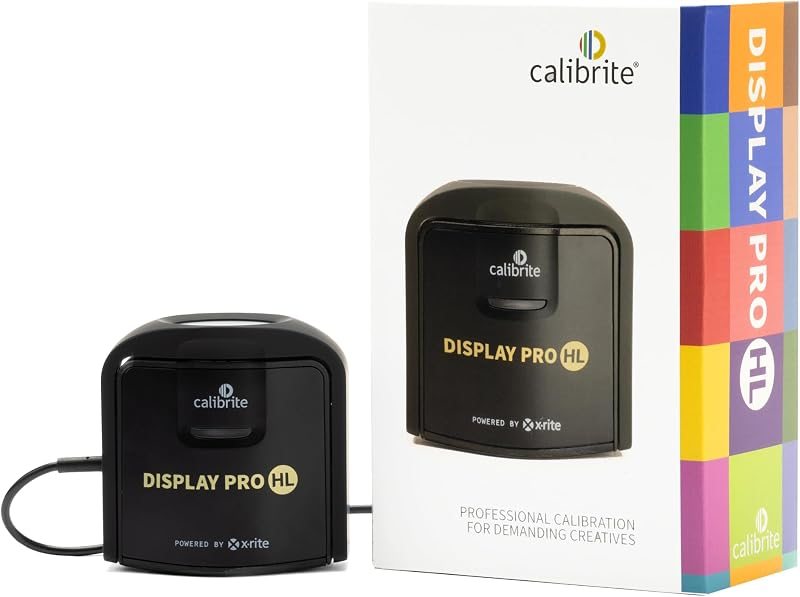
Calibrite Display Pro HL colorimeter
4.3 (349)View on AmazonStep 2: lower the brightness
A screen set far brighter than the room makes prints look dark by comparison. Many photographers set a print-matching brightness well below the factory default. The calibration software will suggest a target.
Step 3: use paper profiles and soft proofing
Paper makers publish ICC profiles for specific printers. Choose that profile in the print dialog, let the application manage color, and turn off color management in the printer driver so it isn’t applied twice. Soft proofing in Lightroom or Photoshop previews the paper’s limits before ink is spent.
Step 4: judge in the right light
View prints under a light with similar color temperature to where they’ll hang. A print that looks right under a warm kitchen bulb can look cold in daylight.