Canon PIXMA PRO-200S review
My verdictStill the easiest 13x19 printer to recommend to someone who prints glossy and luster paper and doesn’t want to learn pigment ink. You pay for it in cartridges.
Best forPhotographers printing 8x10 to 13x19 on glossy or luster paper
Skip it ifAnyone who prints a few dozen sheets a month, or wants a scanner built in
- Owner rating
- 4.1 from 249
- Price tier
- $$$ Oct 30, 2026
- Biggest print
- 13 x 19 in borderless
- Running cost
- 40-48c per 4x6
By Marius. Listing data pulled Oct 30, 2026. Page built Nov 1, 2026. How I rank printers.
Canon PIXMA PRO-200S in detail
What you’re actually buying
The PRO-200S is a refresh, not a new design. It keeps the PRO-200’s eight dye inks (the CLI-65 set) and changes the parts around them: updated Wi-Fi security and different packaging. If you find a clean PRO-200 for less, the prints will look the same.
Canon lists borderless printing from 3.5 in square up to 13 x 19 in, plus long panoramas. The 3-inch color screen shows ink levels and settings, so you aren’t hunting through a driver for basics.
Dye ink, and what that means on your wall
Dye gives you saturated color and smooth gradients on glossy and luster paper. It’s the reason people reach for this machine over a pigment one when the subject is skin, sky or sunsets. The trade-off is keeping quality: dye prints keep best behind glass, away from direct sun and damp, but pigment is the safer bet when a print has to survive decades or hang in a bright room.
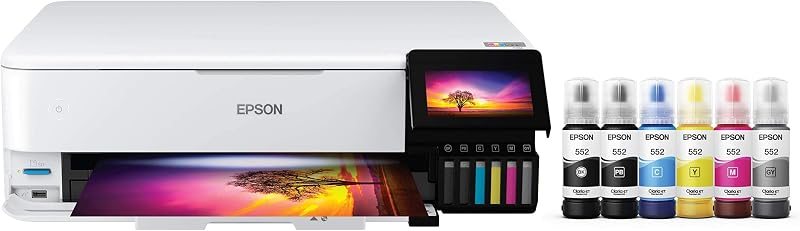
On RTINGS’ lab numbers the original PRO-200 averaged a color error (dE) of about 3.2, against roughly 6.5 for the EcoTank Photo ET-8550. Lower is better, and that gap is the main reason this printer costs more per print than a tank. Their write-up also puts the S slightly behind the older model on color accuracy and color cartridge yield. Some readers on that page dispute the methodology, so treat it as a small caution rather than a reason to hunt for old PRO-200 stock.
Running cost is the real price tag
There are eight separate cartridges. You replace only the ones that run out, which helps, but a full set is a big outlay. The calculator on this site uses a planning figure of about $0.0135 of ink per square inch for it; type in your own number if you track cartridges closely.
Where it sits in Canon’s line
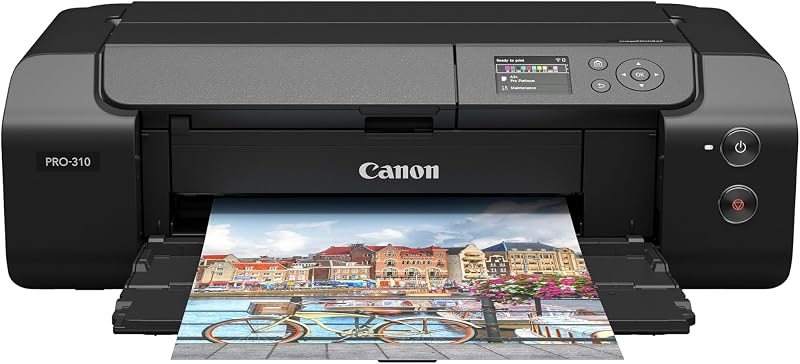
Canon’s 13-inch range comes down to three names. The PRO-200S is the dye entry, the imagePROGRAF PRO-310 is the pigment sibling in the same body, and the PRO-1100 jumps to 17 inches. Older roundups still list the PRO-200 and the PRO-300, which are the generation before. If you’re torn between the first two, the PRO-200S vs PRO-310 page is the one to read before cartridge prices decide for you.
Living with it
The listing shows a rear feed, two trays and a 100-sheet capacity, with a 3-inch screen for ink levels and settings. Plan a stable table, because it’s about 28.7 inches deep. Canon’s app can print from a phone, but the real workflow is Lightroom or Photoshop with the paper maker’s profile selected. The color-matching guide covers the order of steps.
The catches
- Print only: no scanner, no copier, and Canon lists document speed at 2 pages per minute.
- It is big and heavy for a desktop machine, about 32 lb and 28.7 inches deep on the listing. Measure the shelf.
- Eight cartridges means eight things to run dry at an awkward moment.
PIXMA PRO-200S specs
| Maximum print | 13 x 19 in borderless, panoramas to 13 x 39 in |
|---|---|
| Ink system | 8-color dye |
| Cartridges or tanks | CLI-65 cartridges |
| Connectivity | Wi-Fi, Ethernet, USB |
| Scan and copy | No |
| Screen | 3.0-in color LCD |
| Weight | 32 lb |
| Good to know | 13 x 19 in bordered in about 90 sec, 8 x 10 in in about 53 sec |
| Running cost | about 40-48c per 4x6 (planning figure) |
What it costs to run, worked out
Cartridge ink is the biggest part of the bill; paper adds to it.
| Size | Ink | Paper (budget to premium) | Total |
|---|---|---|---|
| 4 x 6 | 32c | 8c to 15c | 40c to 48c |
| 5 x 7 | 47c | 11c to 22c | 58c to 70c |
| 8 x 10 | $1.08 | 26c to 51c | $1.34 to $1.59 |
| 13 x 19 | $3.33 | 39c to $2.80 | $3.72 to $6.13 |
| Volume | Ink and paper | With printer |
|---|---|---|
| 20 a month | $333 | $883 |
| 60 a month | $1,000 | $1,550 |
| 150 a month | $2,500 | $3,050 |
Planning figures from listings pulled Oct 30, 2026. The printer price is rounded and moves daily. Put in your own numbers.
What owners say
Amazon shows 4.1 out of 5 from 249 ratings on the listing I feature, which is a moderate sample. Data pulled Oct 30, 2026. A star average says owners are happy, not why; sort the listing by recent and critical reviews before you buy.
PIXMA PRO-200S head to head
PIXMA PRO-200S alternatives
Pairs well with: 13x19 paper
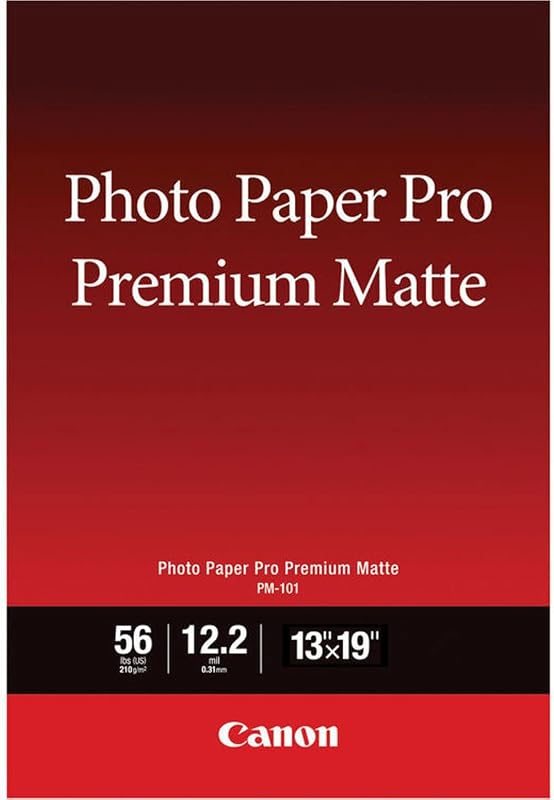
Canon Pro Premium Matte Photo Paper, 13x19, 50 sheets
4.6 (303)View on Amazon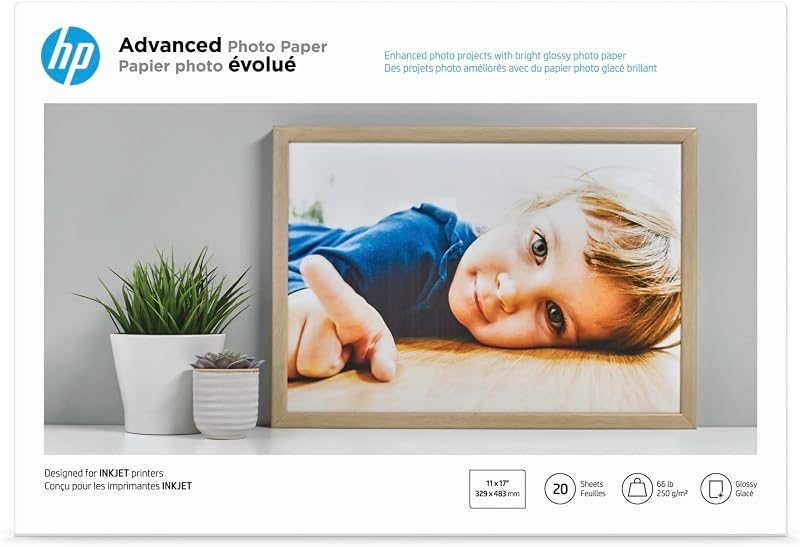
HP Advanced Glossy Photo Paper, 13x19, 20 sheets
4.6 (278)View on Amazon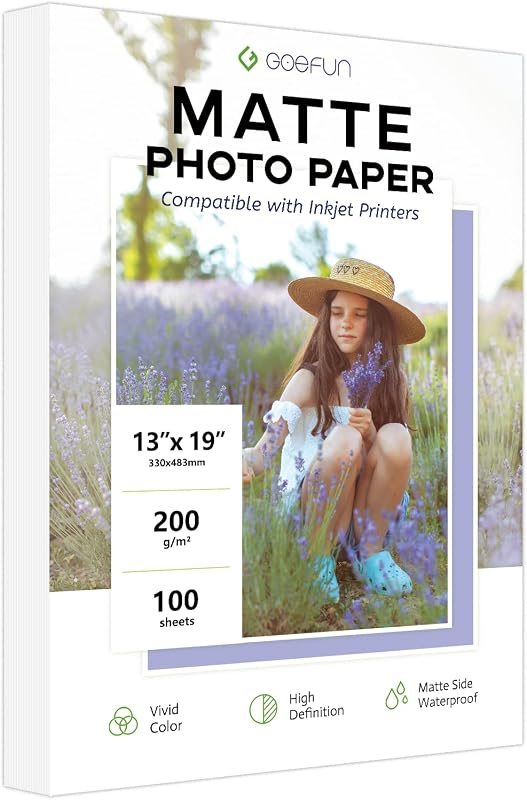
Goefun 13x19 Matte Photo Paper, 100 sheets
4.4 (719)View on Amazon
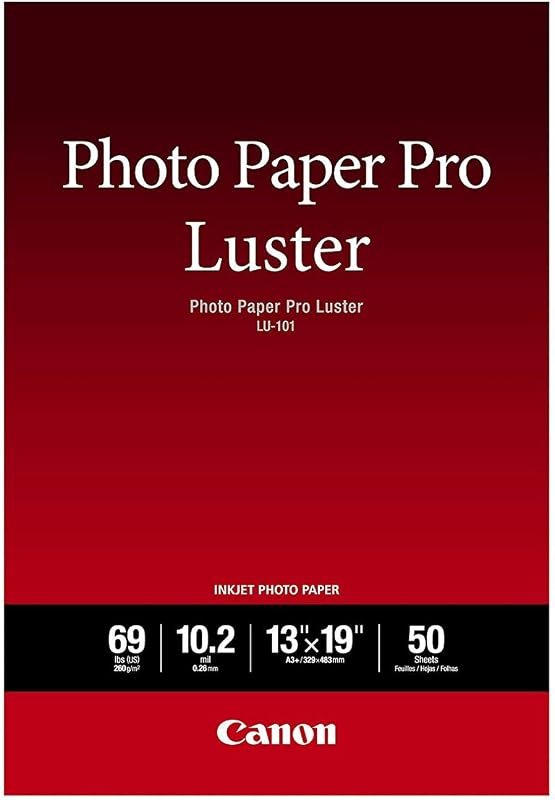
Hahnemuhle Photo Luster 290, 13x19, 25 sheets
new listingView on AmazonQuestions people ask
Is the PRO-200S different from the PRO-200?
Mostly in the wireless stack. Same CLI-65 inks, same 13 x 19 limit. Buy whichever is cheaper and in stock.
Does the PRO-200S use pigment or dye ink?
Dye. If you want pigment in the same body, the imagePROGRAF PRO-310 is the sibling to look at.
Can it print panoramas?
Canon lists custom lengths up to 13 x 39 in.
How long does a 13 x 19 print take?
Canon lists a bordered A3+ print in about 90 seconds and an 8 x 10 in about 53.
Can I use third-party cartridges?
Compatible CLI-65 sets exist on Amazon, but the ones in my data had tiny rating samples (8 and 2 ratings). They can save money and they can cause trouble. Check Canon’s warranty terms first.